
The text to video generators actually fall into two distinct categories, which get juxtaposed even though they shouldn’t be – foundation models generating just one video based on a text prompt and platforms that generate an entire project planning how to use different models for each of the clips and keeping coherence among them. Mixing up these two means making a comparison between a high-quality one-shot generator and a project planning tool. This comparison highlights both types because the right one depends on the task at hand. This distinction also matters for creators building video into a broader Instagram strategy, since producing individual clips and managing a consistent content workflow are two different problems.
1. Invideo
While invido editor works on a layer higher up than single-shot comparison, as its purpose lies in choosing the text-to-video generation model for a particular shot within an envisioned project, instead of creating one itself. A film director describes a certain shot or submits a full script, and the invideo agent creates the sequence, distributing every shot among all 200+ built-in models, such as Veo 3.1, Sora 2, Kling AI, Seedance 2.5, Runway, PixVerse, Hailuo, WAN, Recraft, GPT Image 2.0, and Nano Banana 2, with a context engine persistently preserving character features, location and visual coherence between all generated shots irrespective of the model used to render it.
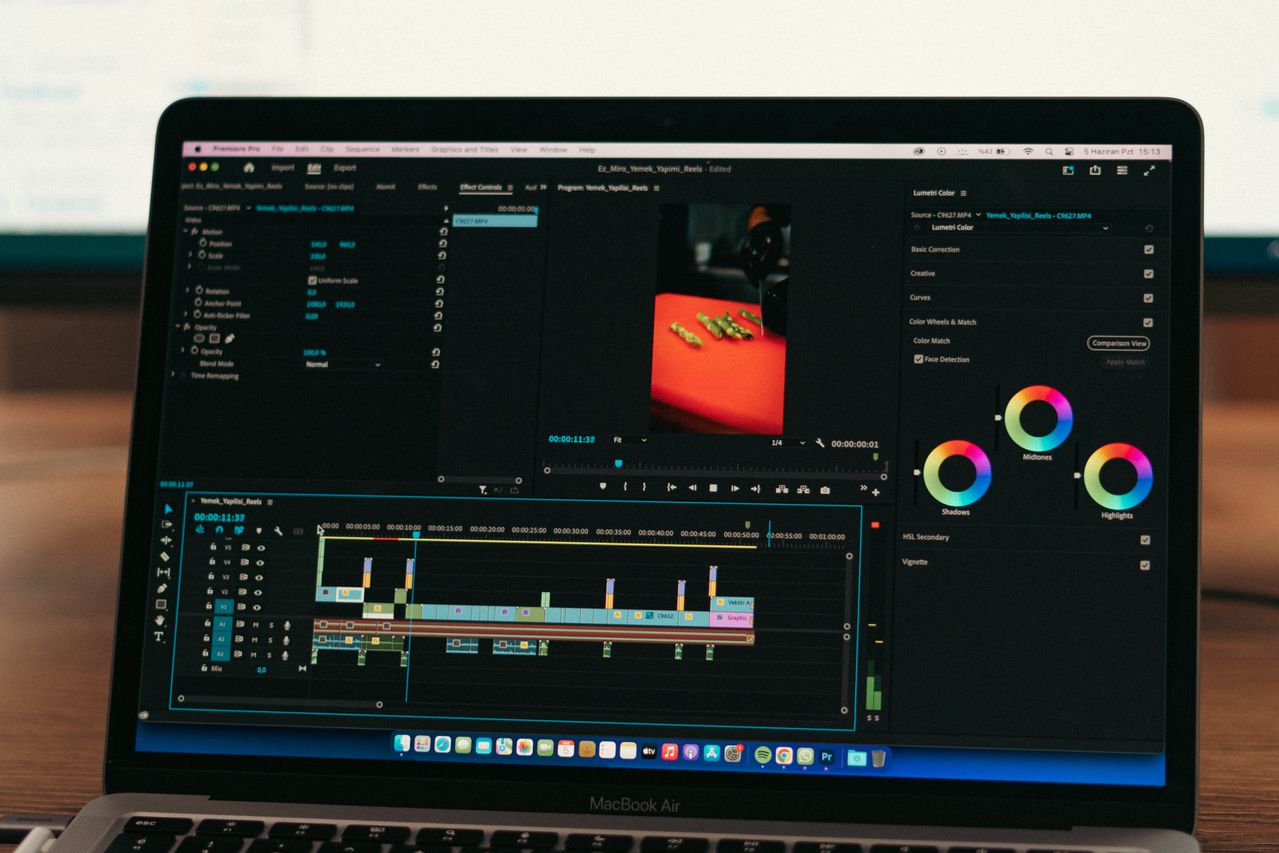
Once the shots are ready, the project is assembled further using Invideo Editor – a free, browser-based text-to- video editing tool similar to the functionalities offered by DaVinci and Premiere with dragging, trimming, cutting and layering, as well as receiving instructions from the agent on the same timeline, with Agentic Assembly and dubbing completing the assembling and localization process.
Best for: a project which requires planning, generation and editing of several text-to-video renders into a cohesive product.
Its weaknesses: a routing layer, not the foundation model itself, which would compete on raw
2. Veo 3.1
The only tier-one foundation model with native, synchronized audio, dialogue, ambiance, lip-sync included right in the output, and thus the first choice for a single dialogue-oriented shot.
Best for: a single shot with audio-video synchronization as an intrinsic part of the performance.
What does it lack: it is more expensive per second than budget competitors, and has no inherent capacity to plan out a sequence across multiple shots.
Price: $0.15/second (Fast tier) – $0.40/second (Standard tier).
3. Kling 3.0
High temporal consistency during complex motion, native 4K output quality, and by far the most affordable per-second cost of all tier-one models makes it a good generalist choice for high volume production of a single shot.
Best for: high volume production where a strong single-shot result is needed within a modest budget.
What does it lack: it underperforms compared to Veo in terms of native audio, and has no inherent capability to plan a sequence across multiple shots.
Price: 0.03-0.11/second through API; free tier is available.
4. Runway Gen-4.5
Motion brushes and Aleph editing allow a director maximum manual control of a single shot among all listed tools, as well as to make revisions to it after its
5. Luma Ray 3.14
Luma’s Ray 3.14 was the first foundation model to support natively 16-bit HDR output, and its Camera Motion SDK, based on NeRF-like 3D-space reasoning, delivers physically plausible camera movements in a single shot.
Best for: a single shot that requires HDR-ready color range and physically plausible camera movement.
Its limitations: it doesn’t have any native synchronized audio and clips are natively limited to about 5 seconds.
Pricing: subscription plans starting at $7.99 per month.
6. Sora 2
While OpenAI’s Sora 2 is still one of the best text-to-video models available, its consumer app has been discontinued as of April 2026 and its API will be sunset in September 2026 – something to definitely note in regard to its availability before creating your workflow around it.
Best for: evaluating the model against other tier-one models for teams that already have access to its API before its scheduled sunset.
Its limitations: its consumer access has been discontinued and its API access will be shut down in September 2026.
Pricing: API-based pricing model, which is subject to the upcoming access changes.
7. Pika
Pika’s Pikaffects library allows applying up to 15+ physics-based effects, melt, explode, inflate, crush to aBest for: a single, fast, physics-based visual effect on a short social clip. For creators publishing these short clips on Instagram, it is also useful to understand how to save Instagram videos once the content has been published or needs to be archived for later use.
Where it falls short: it has no built-in multi-clip timeline and is built for casual creation rather than production pipelines.
Where it falls short: it has no built-in multi-clip timeline and is built for casual creation rather than production pipelines.
Pricing: free tier (80 credits); paid plans from $8/month.
Which one should you use
- Planning and holding consistency across a multi-shot project → Invideo
- A single dialogue scene needing native audio → Veo 3.1
- High-volume single-shot production on a budget → Kling 3.0
- Granular manual control over one shot → Runway Gen-4.5
- Physically convincing camera motion and HDR in one shot → Luma Ray 3.14
- Evaluating a tier-one model with a known sunset timeline → Sora 2
- A fast physics-based effect on a single social clip → Pika
Conclusion
Generating the clip is only one part of the content workflow. Creators who plan to reuse existing material can also see our guide on how to repost on Instagram for the distribution side of the process. A comparison between text-to-video solutions is valid only after clearly distinguishing between the two types of software: foundation models, which create one good video based on the prompt, and the Invideo solution, which determines which model should be used to create a shot in the context of the whole project and keeps everything consistent. Veo, Kling, Runway, Luma, Sora, and Pika excel in certain qualities of one-shot, native audio, price, control, HDR, or special effects. The task of Invideo is choosing which of these models needs to be used as part of the whole project planning process.